
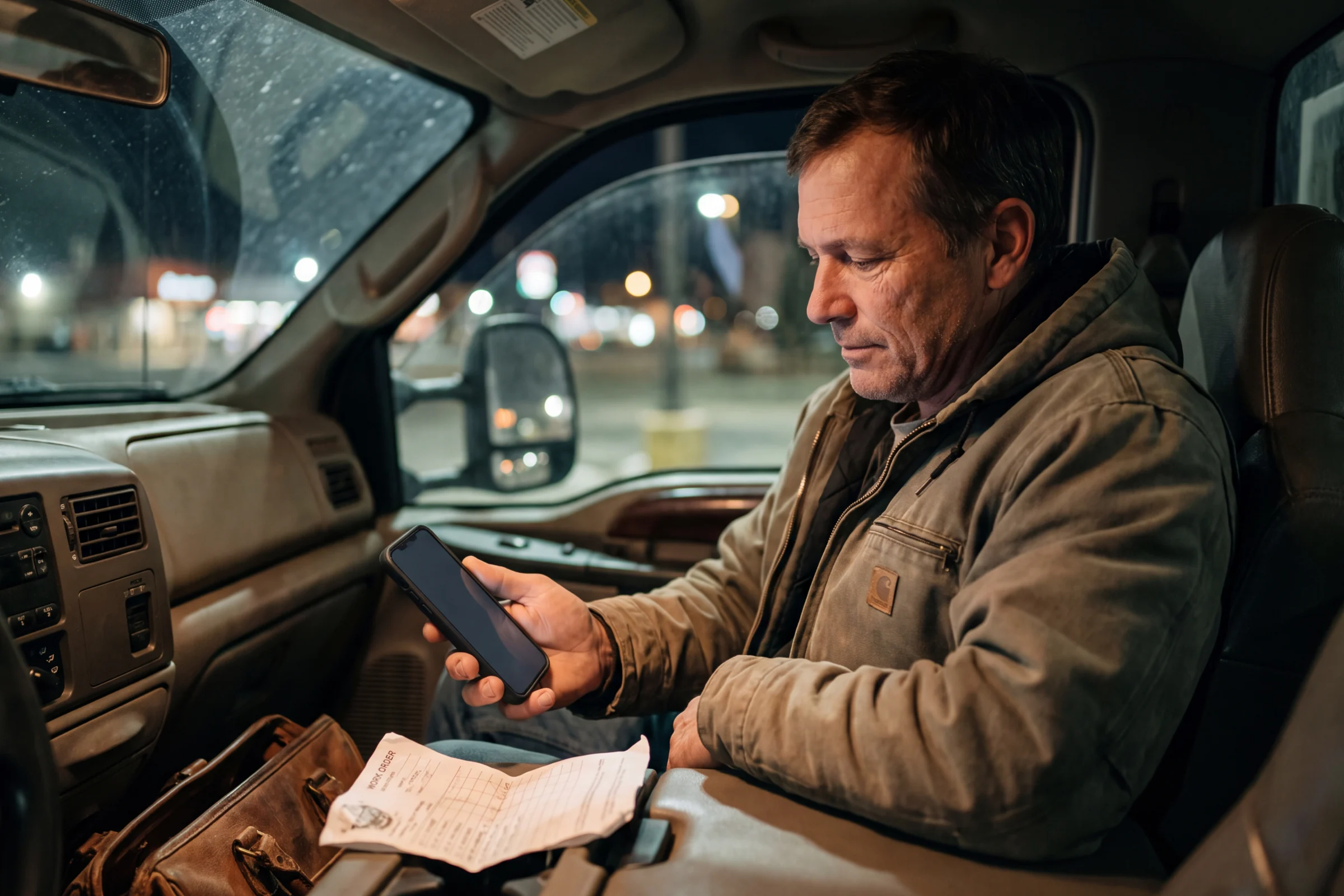
Miss the call. Keep talking.
You cannot always pick up with a truck full of work. Send an automatic text after a missed call or voicemail, and give the customer another way to reach you.
- One message in your words
- Separate call triggers
- Replies in your inbox
One message. You choose when it sends.
Write a useful reply that works for callers who leave a message and those who hang up. Separate switches control when that same message sends.
- Enable the reply after voicemail, missed calls without voicemail, or both.
- Use one shared message to ask for a service address, job description, or a convenient time to call back.
- Use your Autopilot business line so the conversation stays with the team.
- Turn off no-answer forwarding if you want auto-reply texts to send.
Busy should not look like closed
A short, useful reply tells the caller they reached a working business. Ask for the job details and pick up the conversation from your inbox when you can.
Choose the business number
Open the settings for an app-routed Autopilot number. Use the line customers already call about jobs.
Write your response and choose the triggers
Write one automatic reply, then choose whether to send it after voicemail, missed calls without voicemail, or both. Tell customers what information helps you respond.
Continue from the inbox
The customer can reply by text. Your team can read the details and respond when someone is free.
Your hands are full. The inquiry still matters.
A call can arrive while you are driving, loading or speaking with another customer. A configured text response opens another way for the customer to reach the team.
See it with our team- businesses run on Autopilot
- 400+
- Google Play rating
- 4.9
- App Store rating
- 4.8
- per month starting price
- $49
Questions about Missed-Call Text Back
What to know before you put it to work.
Can it reply when the caller leaves a voicemail?
Does the automatic text book the customer?
What do I need to turn it on?
Can it work with no-answer forwarding?
See Missed-Call Text Back in your business.
Try Autopilot for yourself, or book a demo and walk through the work with our team.
Screenshots use sample records.