
Facebook. One business inbox.
Read and answer Page conversations in Autopilot. Send a greeting, let AI gather the details, and have a real person take over when the conversation needs one.
- Page messages in one inbox
- Optional AI replies
- Human takeover
A conversation your team can finish
AI can ask about the job and collect useful details. Your team keeps control of the estimate, the schedule, and the personal conversation that wins the customer over.
- Use the same AI receptionist instructions, adapted for a text conversation.
- Let the customer know they are speaking with AI.
- Pause AI by replying, taking over, or responding to a request for a person.
- Keep booking confirmation and payment handling with your team.
One less inbox to keep checking
Customers do not all call. Some ask about a cleanout in a Facebook message after dinner. Bring that conversation into Autopilot so your team can see it alongside the rest of the business.
Connect your Facebook Page
Allow the required Page messaging permissions and turn on conversation sync. Messages from supported ads and direct Page conversations arrive in the inbox.
Pick the help you want
Use a one-time greeting to acknowledge the customer, or enable ongoing AI replies to ask questions using your AI receptionist's instructions.
Take over when it is time
Your team can reply or select Take over. AI pauses when a person steps in or the customer asks to speak with someone.
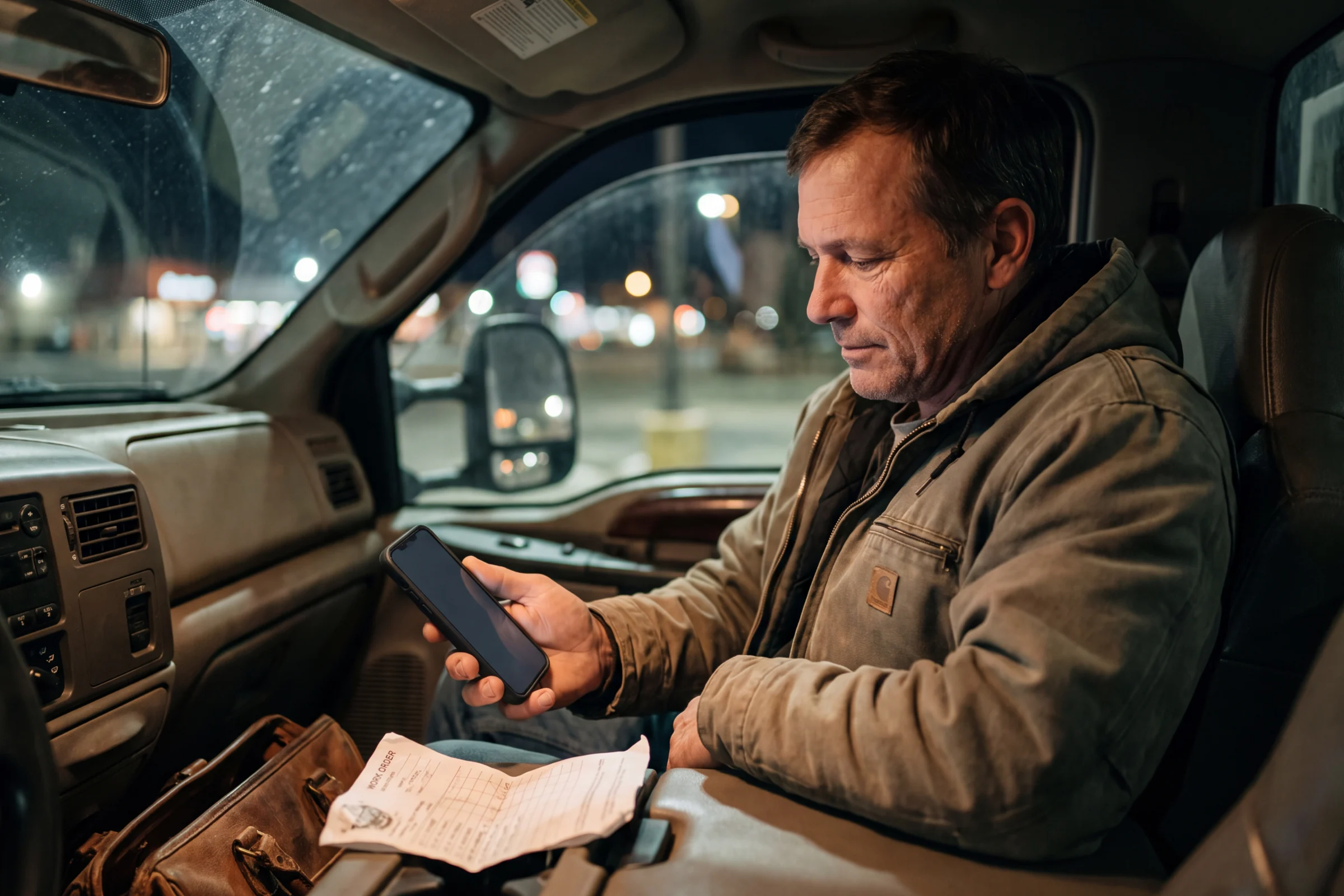
A Facebook question can become your next conversation.
Use a greeting or let AI gather the job details. When someone on the team steps in, AI pauses and the conversation stays in human hands.
See it with our team- businesses run on Autopilot
- 400+
- Google Play rating
- 4.9
- App Store rating
- 4.8
- per month starting price
- $49
Questions about Facebook Messenger
What to know before you put it to work.
Can AI book a job or take payment in Messenger?
Can I use a greeting without ongoing AI replies?
Can we reply any time we want?
What happens when someone asks for a real person?
See Facebook Messenger in your business.
Try Autopilot for yourself, or book a demo and walk through the work with our team.
Screenshots use sample records.