
Your next move. One text.
Check the schedule, move a visit, or send an invoice from the same place you already text. Your AI Text Assistant does the looking and the typing. You approve the change.
- Ask in your own words
- Work with your records
- Confirm before changes
It works with your business records
Customer names, service addresses, crew assignments, job line items, estimates, and invoices are already in Autopilot. The assistant uses those records to help with the work in front of you.
- Create a job for an existing customer, or add a new customer and their first job together.
- Prepare an invoice from a job and send it by text or email after you confirm.
- Record a payment you received by cash, check, Zelle, or another outside method.
- Set a personal reminder before a visit. The reminder moves when the visit is rescheduled.
A helping hand between jobs
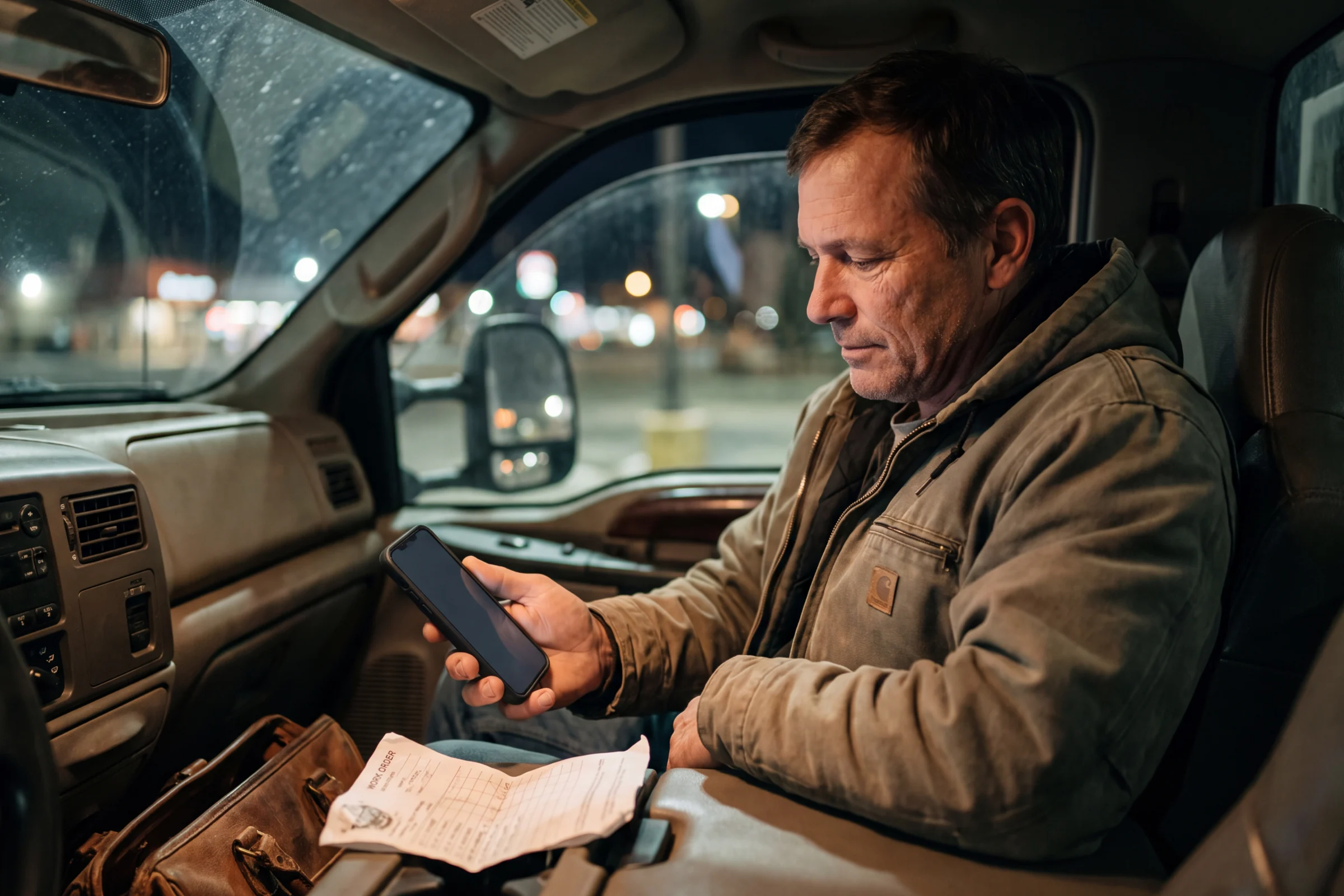
The truck is loaded. The next customer is calling. Text a dedicated Autopilot number instead of digging through screens to find a job, update a visit, or check what is still owed.
Ask in your own words
Find a customer's details, ask what Mike has tomorrow, or describe the job you need to create. A supported voice memo works when speaking is easier.
Read the proposed change
Before updating a record, sending a customer message, or setting a reminder, the assistant sends a summary for you to check.
Reply YES to make it happen
Approve the action or reply NO to cancel. Requests with several actions are confirmed one at a time, so you stay in charge.
Keep the business moving between stops.
The next call does not wait for you to get back to a desk. Text your dedicated assistant number, review the answer, and stay in control of the next step.
See it with our team- businesses run on Autopilot
- 400+
- Google Play rating
- 4.9
- App Store rating
- 4.8
- per month starting price
- $49
Questions about AI Text Assistant
What to know before you put it to work.
Will it change a job without asking me?
Can it charge a customer's card?
Can my whole crew use it?
Can I send photos or voice memos?
See AI Text Assistant in your business.
Try Autopilot for yourself, or book a demo and walk through the work with our team.
Screenshots use sample records.