
Know the system before you arrive.
Keep every customer's equipment details, warranties and service history in one place. Send your technician out knowing more than the address.
- Equipment at each property
- Warranty dates
- Service history
The next visit starts with the last one.
A technician should not have to piece together old invoices to learn what was done. Open the equipment record to see the linked jobs, last service and next due date. The customer's invoice can also show which equipment was serviced.
- Separate parts and labor warranty dates.
- Photos and notes attached to the unit.
- Service Due, Warranty Expiring and Equipment Age reports.
- Keep the history when a unit is replaced or removed.
The details you need before you arrive.
Open the equipment record for its model, serial number, installation details, warranties and service dates. Send the technician out with the details that belong to that unit.
Every property has a history.
The upstairs air conditioner. The water heater in the garage. The furnace you installed last winter. Give each unit its own record under the right customer and service address, with a name your crew recognizes.
Record the unit
Choose the equipment type and add its make, model, serial number, installation date and location at the property.
Keep the useful details
Add photos, warranty dates and type-specific details such as filter size or fuel type. Set the service interval for that unit.
Connect the work
Select the equipment worked on when you record a job. The job becomes part of the unit's service history.
Track the next service
Mark routine maintenance complete on a completed visit. Autopilot advances the service date and calculates the next due date when an interval is set.
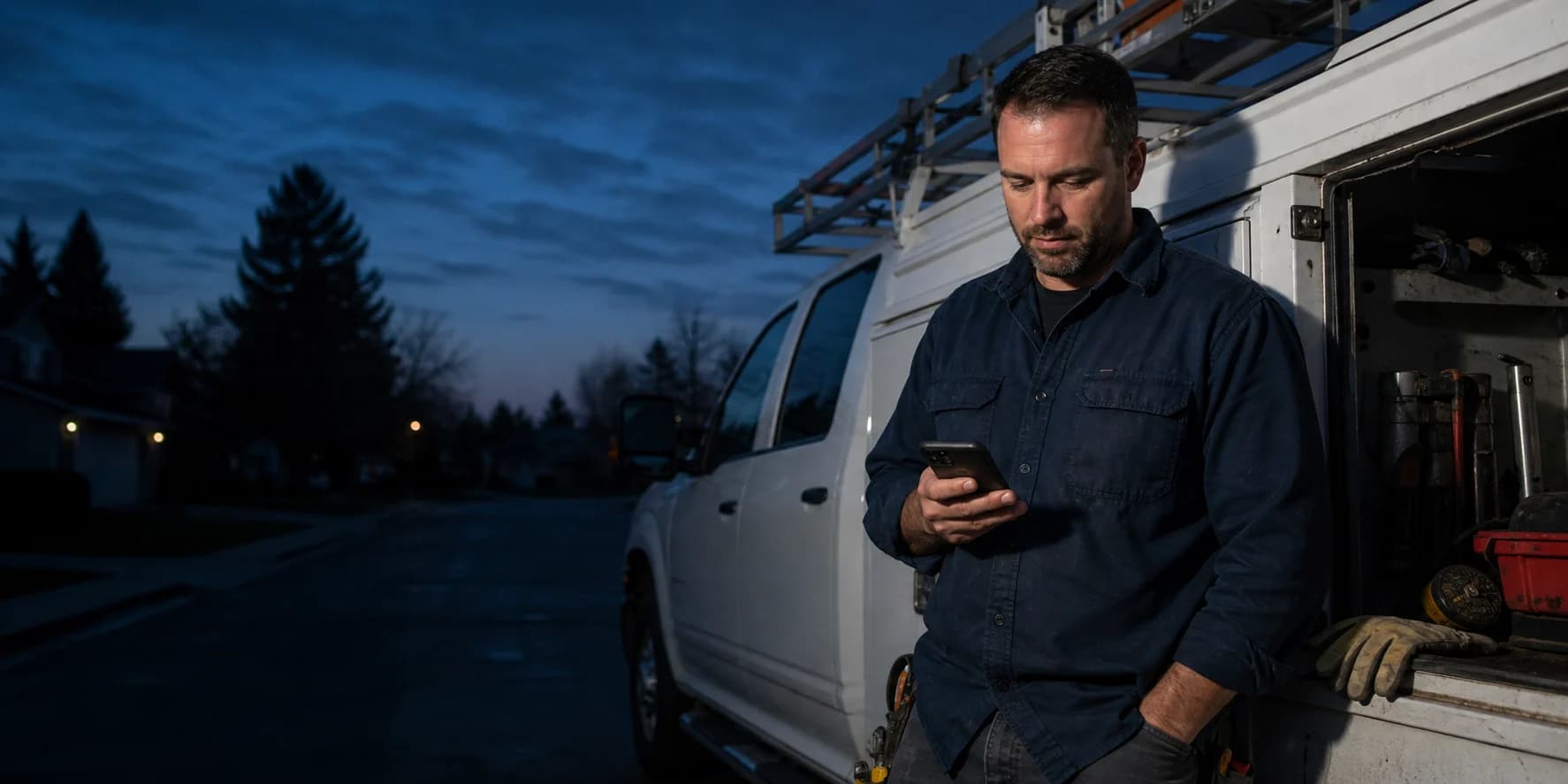
Send more than an address to the technician.
The upstairs AC. The water heater in the garage. The unit you installed last winter. A recognizable equipment record helps the crew find the right system and the right history.
See it with our team- businesses run on Autopilot
- 400+
- Google Play rating
- 4.9
- App Store rating
- 4.8
- per month starting price
- $49
Questions about Customer Equipment
What to know before you put it to work.
Is this the same as rental asset tracking?
What equipment types can I record?
Does every completed job move the maintenance date?
Do replaced units lose their history?
See Customer Equipment in your business.
Try Autopilot for yourself, or book a demo and walk through the work with our team.
Screenshots use sample records.