
10 invoice + estimate designs
Paperwork that means business.
Pick a design, add your logo and color, then send estimates and invoices that look like they came from a company customers can trust.
- Works for invoices and estimates
- Custom logo and brand color
- Change your design anytime
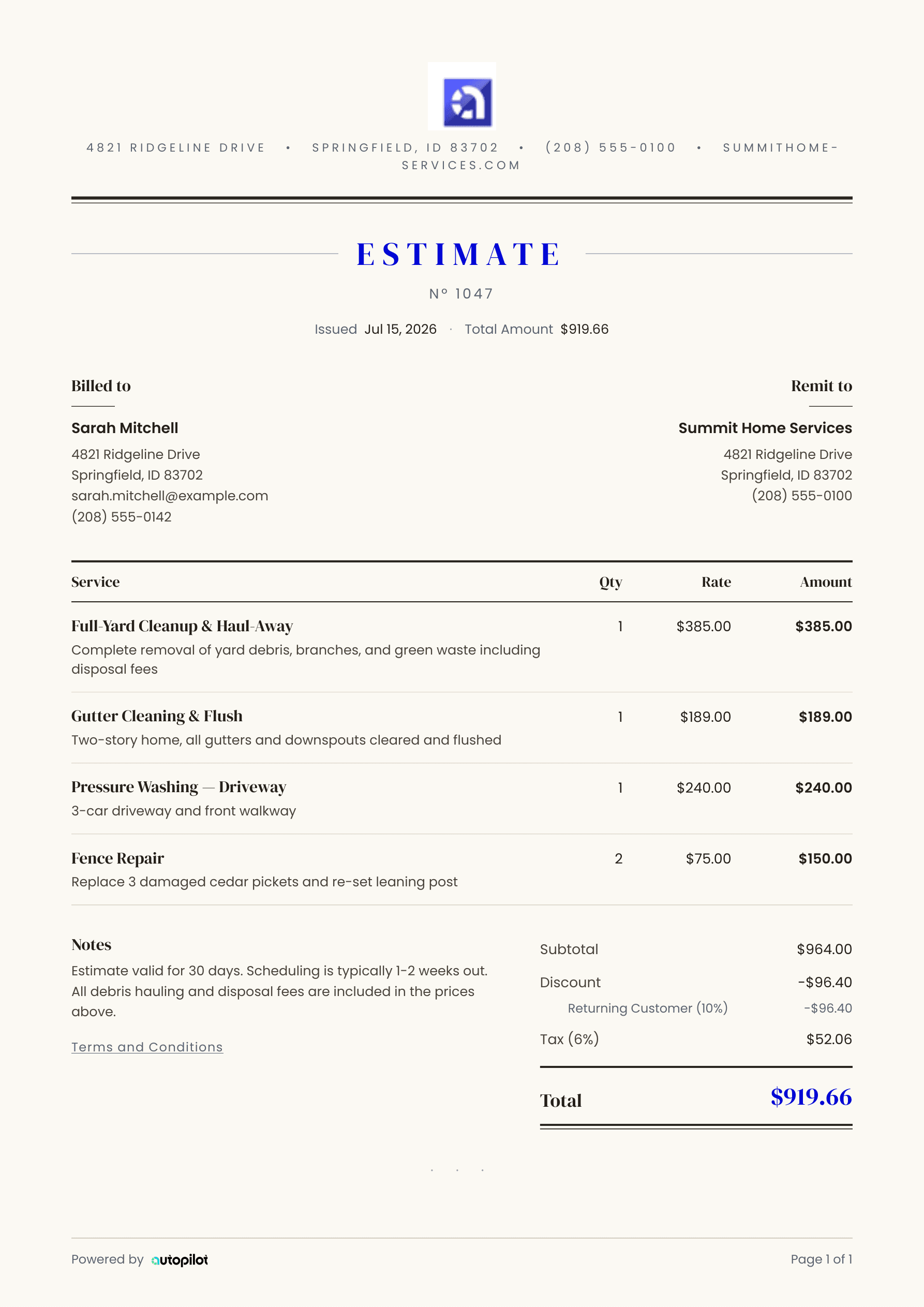 Heritage
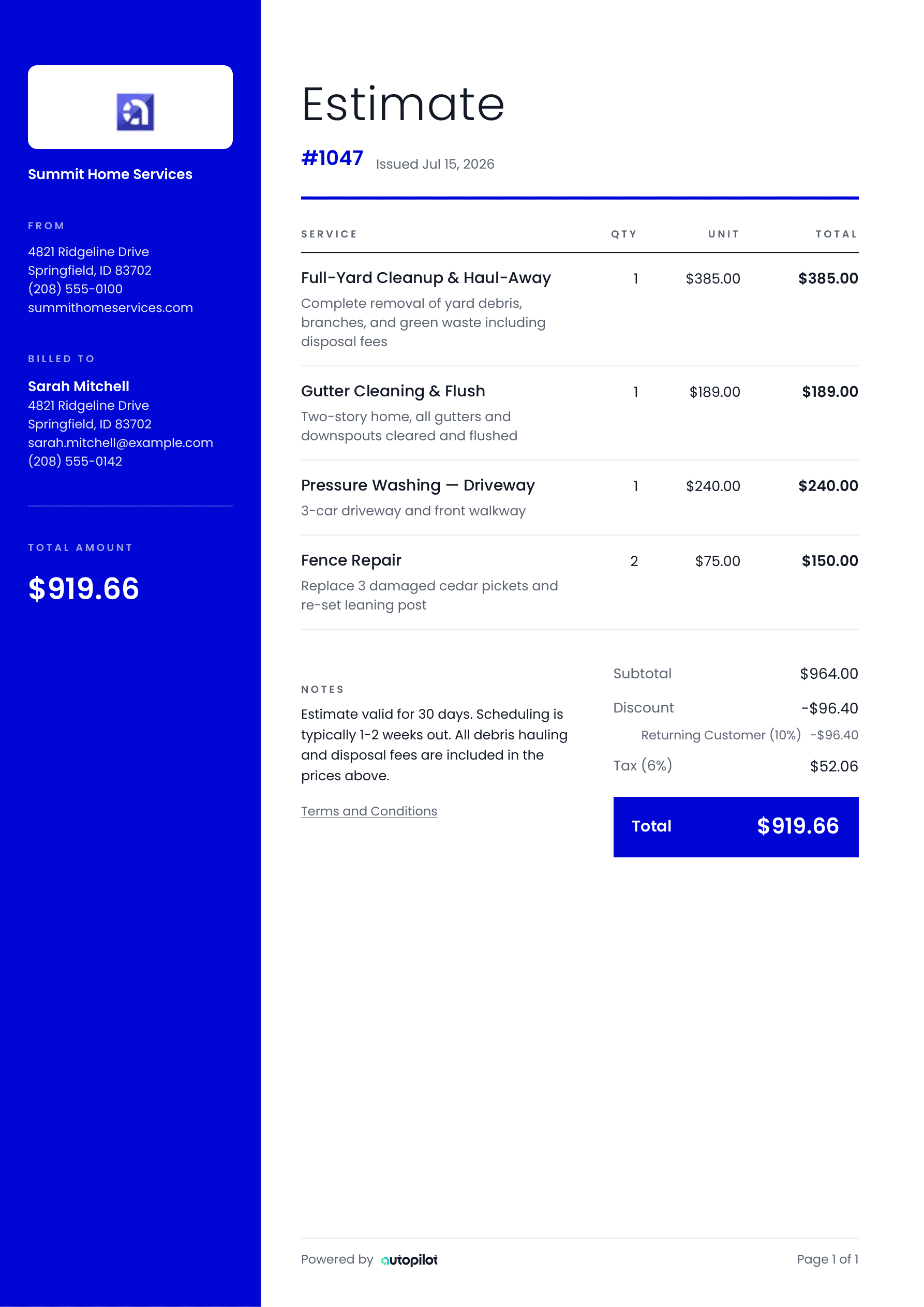 Studio
 Aurora
Pick the one that looks like you.
Clean and quiet. Bold and branded. Classic, futuristic, or somewhere between. Click through all 10 real Autopilot designs.
A gallery layout with a full-height rail in your color.
Ten ways to make a first impression.
These are the actual designs inside Autopilot. Every one is built to keep job details readable and your business looking sharp.
Make the design yours once. Look professional every time.
Your paperwork is part of the job. Autopilot keeps it consistent, even when you build the estimate from the truck and send the invoice from the driveway.
Your logo
Put your company mark where the customer expects to see it.
Your brand color
Carry the color from your truck, shirt, or website onto the page.
Your details
Business info, customer details, line items, notes, and terms stay clear.
#3C40E9Match them or mix them. Your invoice and estimate designs are chosen separately.
From “here’s the price” to “paid in full.”
Keep the same professional look from the first estimate to the final invoice. Customers recognize your business, understand the details, and know what to do next.
See invoicing and payment optionsQuestions about templates.
The short version: pick a look, make it yours, and change it whenever you want.
Do the templates work for both invoices and estimates?
Yes. All 10 designs are available for invoices and estimates. You can use the same design for both or choose a different template for each.
Can I add my company logo and brand color?
Yes. Your logo, business information, and chosen brand color are carried into the document so it looks like it came from your company.
Can I change templates later?
Yes. You can switch your invoice or estimate template from settings whenever your brand or preference changes.
What information appears on the templates?
Templates can include your business and customer details, line items, quantities, pricing, taxes, discounts, notes, terms, and totals.
Send paperwork that looks like you mean business.
Choose your templates, add your brand, and send professional estimates and invoices from the same place you run the job.